Work/Mac & web
Clear Browser
A light, native Mac browser made of glass, with Claude built in
- 2026 – now
- Beta 0.2.1
- macOS
- Design & engineering
What it does
 Pulse
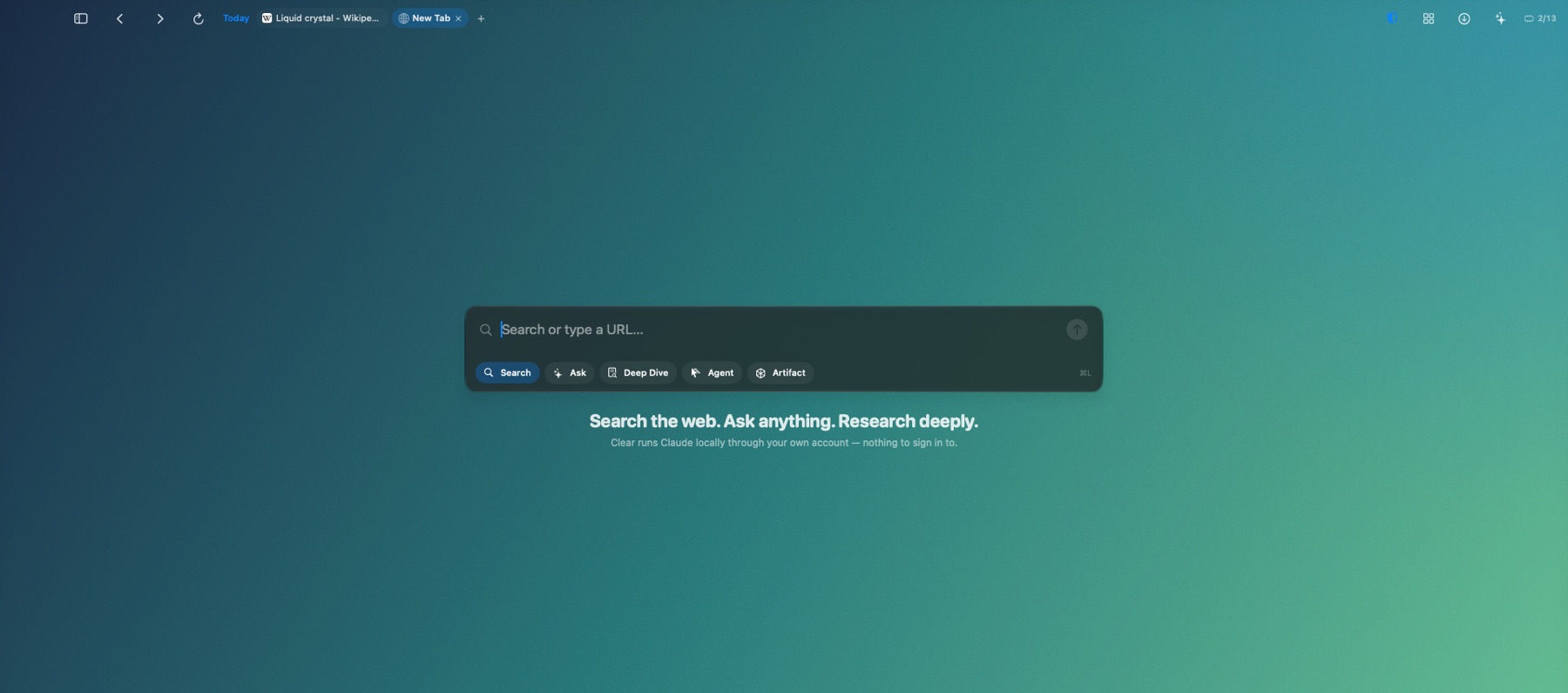
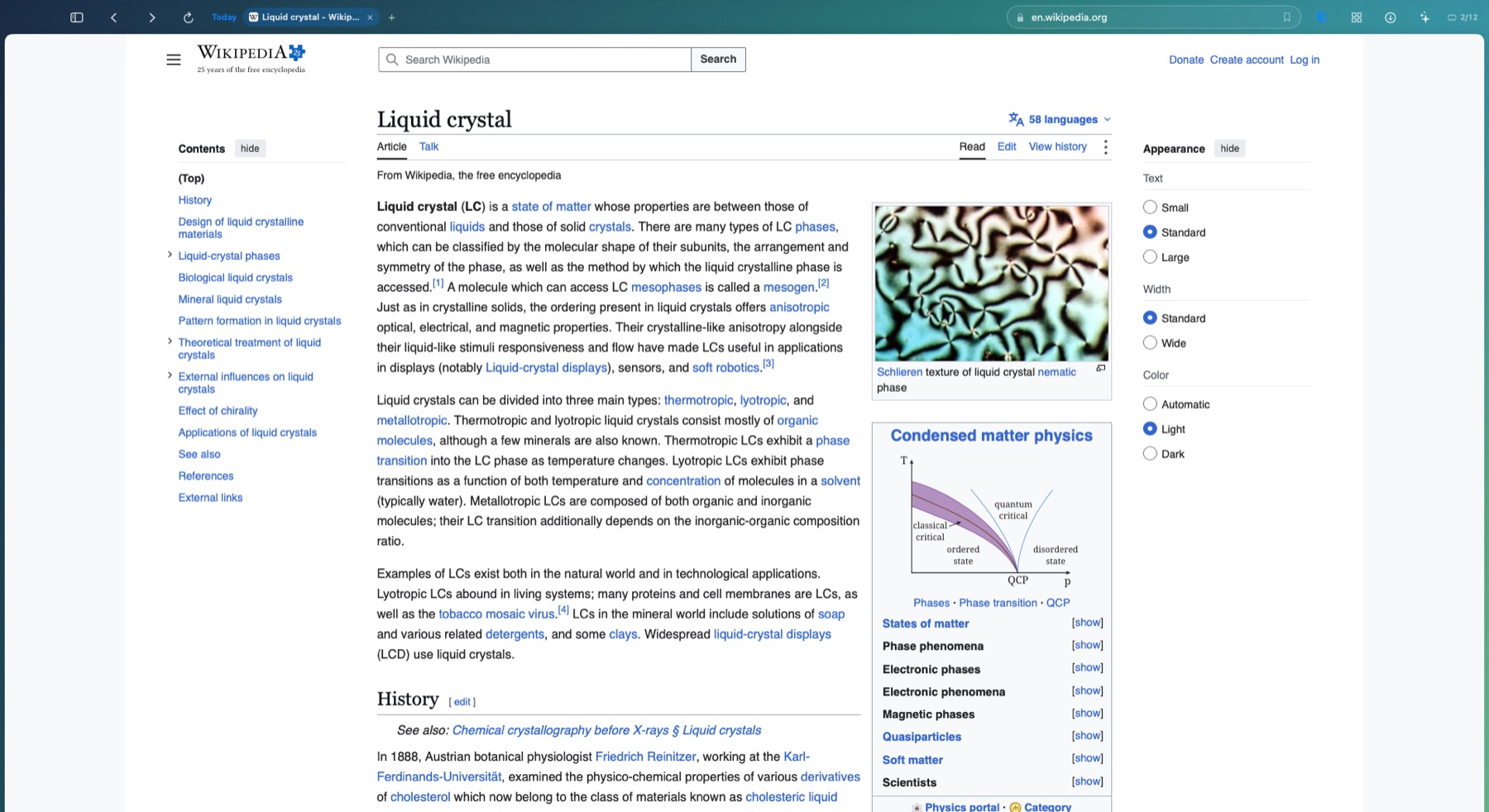
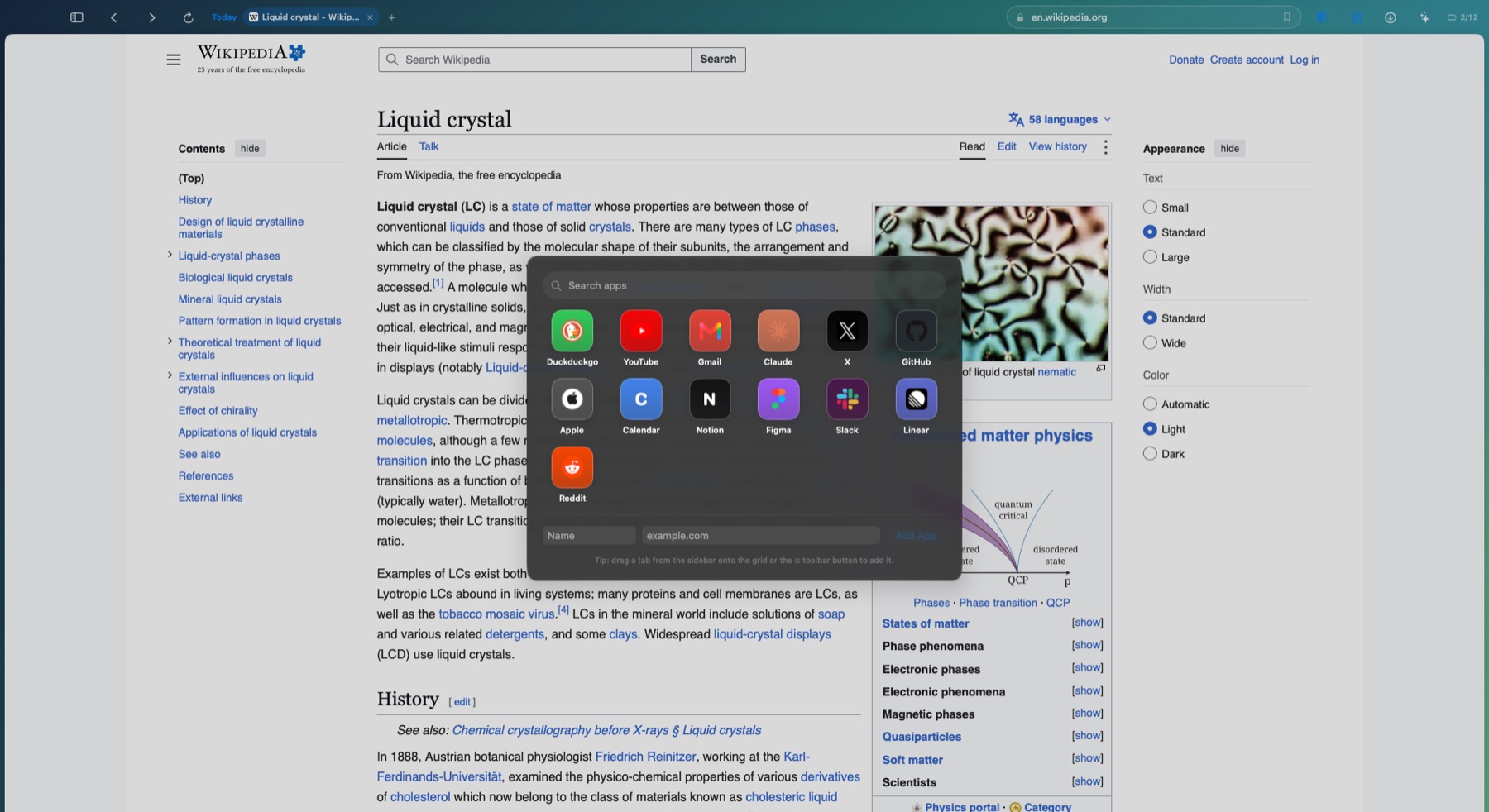
Clear is a macOS browser I wrote from scratch in Swift, on top of WebKit, the web engine already inside every Mac. Every surface is Liquid Glass, tabs live in threads you close when a task is done, pop-ups are grouped, and Claude is built in: it can chat about the page, do deep dives, browse for you and make artifacts, all through the Claude Code CLI already signed in on the Mac. A shield blocks ads, trackers, risky downloads and unsafe search.
It’s a beta. Version 0.2 works, but it’s still in development, so things will change. The download lives on the Clear page on AppleX, behind the AppleX password.
New in 0.2
- Profiles. As many as you like. Each one has its own cookies and logins, threads, history, an emoji or photo badge, a colour, a search engine, a backdrop and a layout.
- One sheet of glass. 0.1 put a blur behind every panel, which could get janky. 0.2 draws one backdrop for the whole window and the panels blend into it. There are five: Clear, Frosted, Tinted, Wallpaper (your own picture, blurred) and Solid.
- Ideas from Helium. More than 13,000 !bangs at the start or end of a query, cached so they work offline. Three layouts: Sidebar, Compact (tabs in the toolbar row) and Frameless (the UI hides until you touch an edge). Split view (⌥⌘N), a page frame, a minimal or centred address bar, hibernate other tabs, back to opener, ⌃Tab to the most recent tab, copy link (⌥⌘C), force paste (⌥⌘V), hidden cookie banners and per-site fingerprint noise.
- Agent windows. An agent from my AI team can browse in a window of its own, with its own pointer and a glowing edge, driven over a local API on the Mac. I can watch, take over, hand back or stop it. The hard limits are in the browser, not just the prompt: agents never log in, never type passwords, never pay, and each is locked to one account.
Since 0.2
On 26 October the agent windows moved out of Clear and into VibeEngine, a browser of their own, with their profiles and logins carried across. Clear is just a browser again, now at 0.2.1.
Why I built it
I wanted a browser that felt like a Mac app: light, native and quiet, with no second engine bundled inside it. And I wanted Claude in it properly, not as an extension, using the Claude login I already have, so the browser never touches an API key.
It also had to build with only Apple’s command-line tools, no Xcode. That meant picking the newest macOS SDK whose SwiftUI still compiles without Xcode’s macro plugins, and drawing a fallback for Liquid Glass on older systems.
The story so far On the timeline →
Clear's first build
Swift, WebKit, no Xcode.
A browser written from scratch in Swift on WebKit, built with only Apple's command-line tools.
Agent windows
The hard limits live in the browser.
An agent from my Vibe team can browse in a window of its own profile, with its own pointer and a glowing edge. I can take over, hand back or stop it. Clear itself refuses logins, passwords and payments, and locks each agent to one account.
Quicker, with ideas from Helium
Bangs, layouts, split view.
13,000+ !bangs at either end of a query, Sidebar, Compact and Frameless layouts, split view with a divider you drag, hibernating tabs, back to opener, ⌃Tab to the last tab, copy link and force paste, hidden cookie banners and per-site fingerprint noise.
0.2: profiles and one sheet of glass
The first beta you can download.
Unlimited profiles, each with its own cookies and logins, threads, history, emoji or photo badge, colour, search engine, backdrop and layout. The glass was rebuilt too: one backdrop for the whole window instead of a blur behind every panel, so there's far less to draw.
Just a browser again
Agent windows move out to VibeEngine.
Heavy agent sessions could take Clear down with them, so the agent windows moved out into VibeEngine, a separate browser just for the agents. Clear went back to being a browser for me.
Follow Clear Browser as it’s built
New moments land on the timeline first, and the big ones in the newsletter.